Self-Hosted Stack
Running my own services on a VPS — from Gitea to Nextcloud. Full control, full responsibility.
Welcome to dipo.app — my personal lab where I run experiments across the full spectrum of self-hosted tech. From spinning up VPS instances to tinkering with WordPress, from bare-metal setups to managed shared hosting, this is where curiosity meets the terminal.
Start with practical notes on self-hosting, VPS setup, reverse proxies, and WordPress performance.
Running my own services on a VPS — from Gitea to Nextcloud. Full control, full responsibility.
Dissecting themes, plugins, and performance. Headless, classic, multisite — testing them all.
Benchmarking real-world performance differences between VPS providers and shared hosting environments.
Exploring Nginx, Caddy, and Traefik to route traffic across multiple apps and domains cleanly.
Custom DNS resolvers, Pi-hole experiments, split-horizon DNS and other rabbit holes.
Documenting what's actually possible on shared hosting — the surprising wins and hard walls.
Setting up a reverse proxy for a small self-hosted application can feel disproportionate to the application itself. Before anyone can reach the service, there may be routing rules to define, HTTPS to configure, certificates to manage, and a reliable way to reload changes without interrupting the backend. The application is often the easy part.
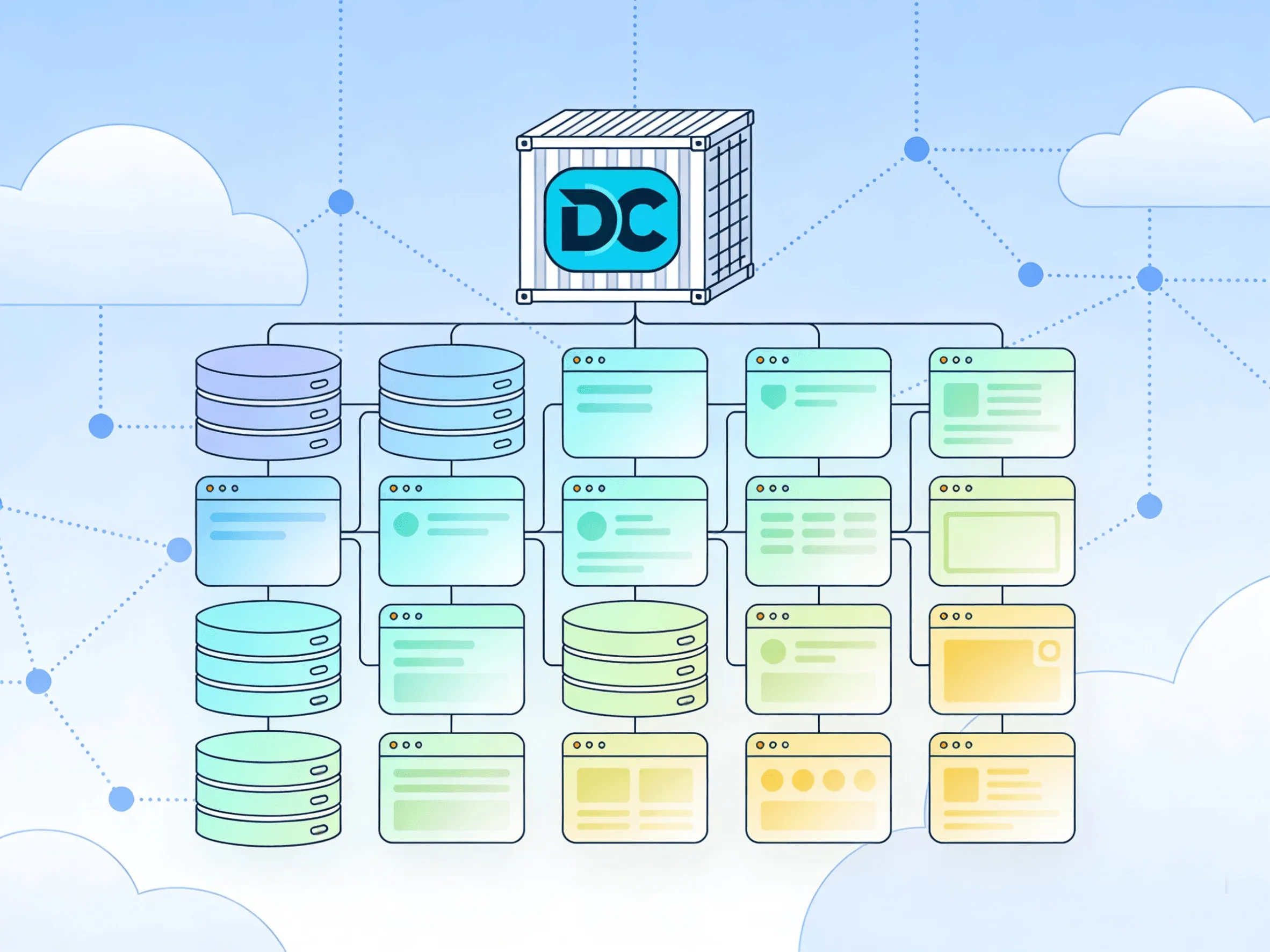
Read note →If you’ve started exploring self-hosting, you’ve probably heard everyone talk about Docker. But there’s one tool that makes it 10x easier, and it’s the secret behind every smooth self-hosted setup: Docker Compose.
Read note →Self-hosting is the practice of running software and services on infrastructure you control—typically your own server, home lab, or private cloud—instead of relying on third-party SaaS providers. This includes everything from file storage and password managers to email servers and AI tools.
Read note →I'm Dipo, and dipo.app is where I document my journey through the digital infrastructure world. Not as a polished portfolio — as a living log of experiments, failures, and occasional victories.
I believe in owning your stack. From the first SSH connection to a fresh VPS to optimizing a WordPress site on shared hosting — every environment teaches something different.
This playground exists because reading tutorials isn't enough. You have to break things to understand them.
Got a question, an idea, or just want to nerd out about self-hosting? The terminal is always open.